Why Does My Phone Battery Drain So Fast Even When I’m Not Using It?
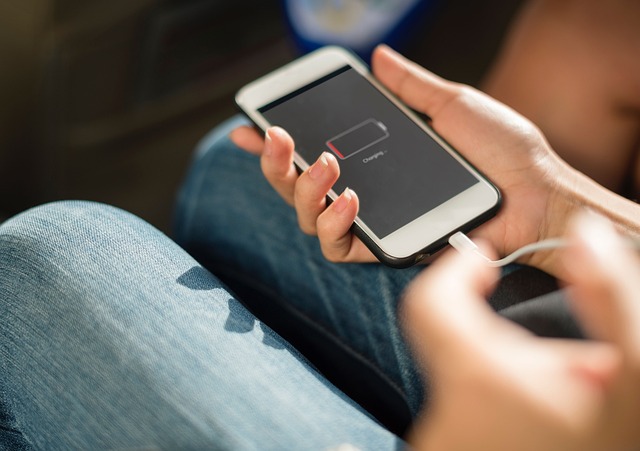
Many people complain that their phone battery drains quickly, even when the phone is just sitting in their pocket or on a table. This leads to a very common question: why does my phone battery drain so fast even when I’m not using it? The answer usually involves background activity, settings, and battery health.
Background Apps Running All the Time
Even when you’re not actively using your phone, many apps continue to run in the background. Social media apps, email clients, navigation apps, and messaging services constantly refresh data. This background activity consumes battery power without you noticing it.
Screen and Display Settings
High screen brightness, always-on display features, and high refresh rates can significantly impact battery life. Phones with OLED or high-resolution displays use more power, especially if brightness is set to maximum for long periods.
Poor Cellular Signal
When your phone struggles to maintain a signal, it works harder to stay connected. This is very common in rural areas, inside buildings, or during travel. Weak signal strength is one of the most overlooked causes of fast battery drain.
Battery Health and Phone Age
Over time, lithium-ion batteries naturally degrade. If your phone is more than two years old, its battery may no longer hold a full charge. This results in faster battery drain, even with light usage.
Location Services and GPS
Many apps constantly access your location. Ride-sharing apps, weather apps, fitness trackers, and map services can drain battery if location access is always enabled. Limiting location permissions can noticeably improve battery life.
Software Updates and Bugs
Sometimes a recent software update can introduce bugs that increase battery usage. This often happens shortly after major iOS or Android updates. Developers usually fix these issues in later patches.
How to Fix Fast Battery Drain
To improve battery life, try closing unused background apps, lowering screen brightness, enabling battery saver mode, and updating your phone’s software. Checking battery usage settings can help identify power-hungry apps.
When Should You Replace the Battery?
If your phone shuts down unexpectedly or loses charge very quickly, replacing the battery may be the best solution. In many cases, a new battery can make an old phone feel almost new again.
ALSO READ: Why Does My Phone Get Hot When Charging?