Why Is My iPhone Battery Draining Fast After an Update?
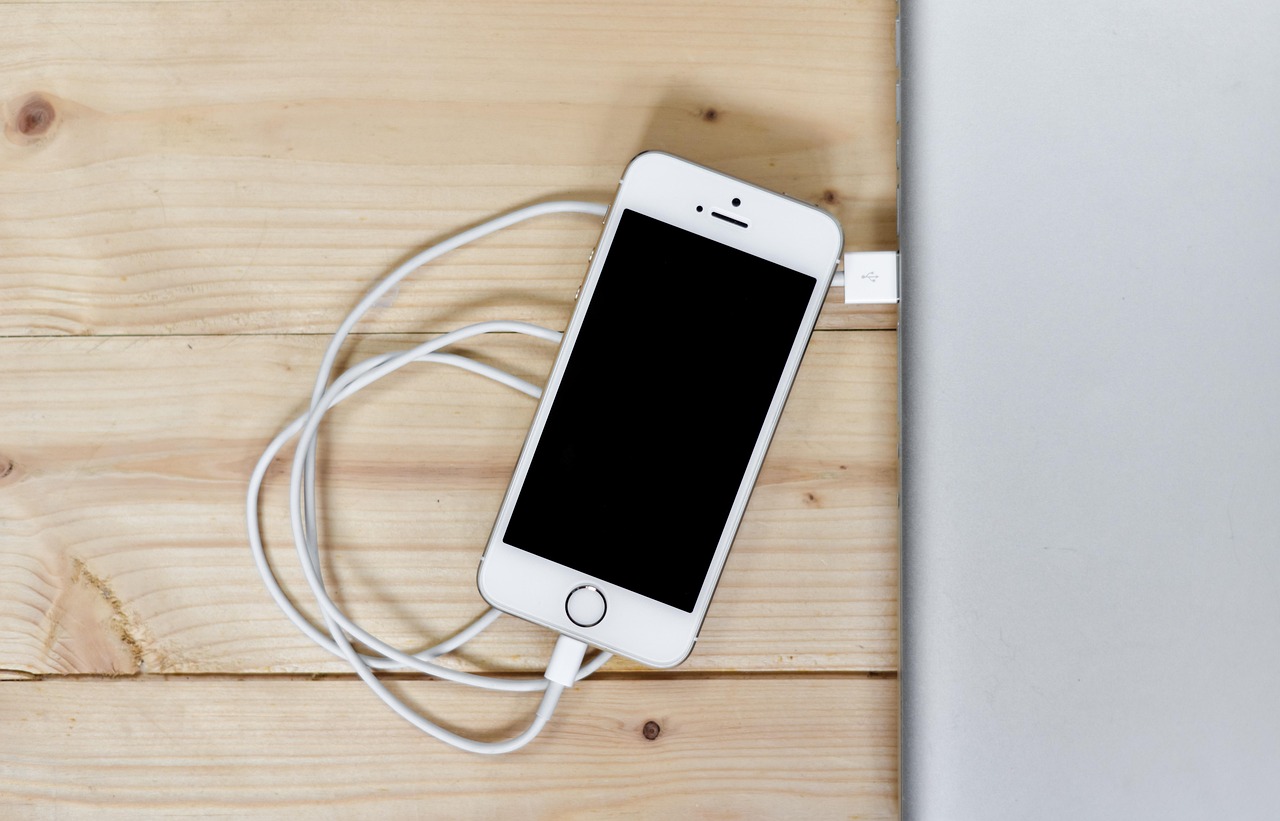
Many users notice that their iPhone battery drains much faster after installing a new iOS update. This issue is extremely common and usually related to background processes, app optimization, and system changes introduced by Apple.
Background Processes After iOS Updates
After an update, iOS runs background tasks such as reindexing files, syncing iCloud data, and optimizing system features. These processes consume extra battery power temporarily.
Apps Not Optimized for the New iOS Version
Some apps may not yet be fully compatible with the new update, causing excessive battery usage until developers release fixes.
Location Services and Background Refresh
iOS updates can re-enable location tracking and background app refresh. These features can drain battery quickly if not adjusted.
How to Fix iPhone Battery Drain After Update
Restart your iPhone, update all apps, check battery usage in Settings, and disable unnecessary background activity to improve battery life.
ALSO READ: Why Is My iPhone Slow After an Update and How to Fix It